
User Interface Animation
Read
In the final chapter of Liz Blazer's "Animated Storytelling," Blazer sums up how to successfully produce an animation. When starting an animation or any production project, it's a good idea to stay organized by creating a production calendar. By having attainable deadlines, it will help make the project more manageable. It's also important to make sure you have the right equipment, software and backup tools such as hard drives and back up folders.
When starting an animation, it's good to get the basics on the page and not jump head-first into more challenging scenes. It's important to start an animation with easier scenes to help speed the production along. After the easy bits are done, tackle the more challenging scenes by breaking them up so it's less intimidating. This is especially where the production calendar can come in handy!

Being efficient and patient with editing plays a crucial role in animating. Having a passion for editing and not mind having to edit one three-second move for hours is all part of the animation process. However, this is why being selective with scenes and picking out key poses for each character helps save time and energy. It also keeps the production plan moving forward. When actually animating characters and objects, it's important to anticipate and follow through each movement and be mindful of the direction of those movements.
When adding sound to the animation, being open-minded and trying different music/sounds can really help bring the animation to life and provide the optimal result. Experimenting with the movements, shots, scenes and sounds all help in bringing out the best story. Animation may seem tedious, but the more planning and time put into it, the better and more exciting the result!
Research
Before creating my first UI animation, I conducted some research for inspiration and found a few examples that really caught my eye.

My first example is a simple search bar animation. What I like about this animation is the fake moues animation and how realistic it looks and draws your eyes toward the functions of the button. When it comes to UI, less is more.

This add to cart animation is a fun and simple. I really like the small details in this animation that adds some realism but still a cartoon-like animation that got my creative juices flowing.

This is another add-to-cart animation that really inspired me. There is a good use of color contrast, shapes and movement.

This animation for an app is a fun and creative concept. The flow and loop are seamless!

This animation shows a variety of UI motions and examples. The transitions are seamless and show numbers/data effectively.
Create!
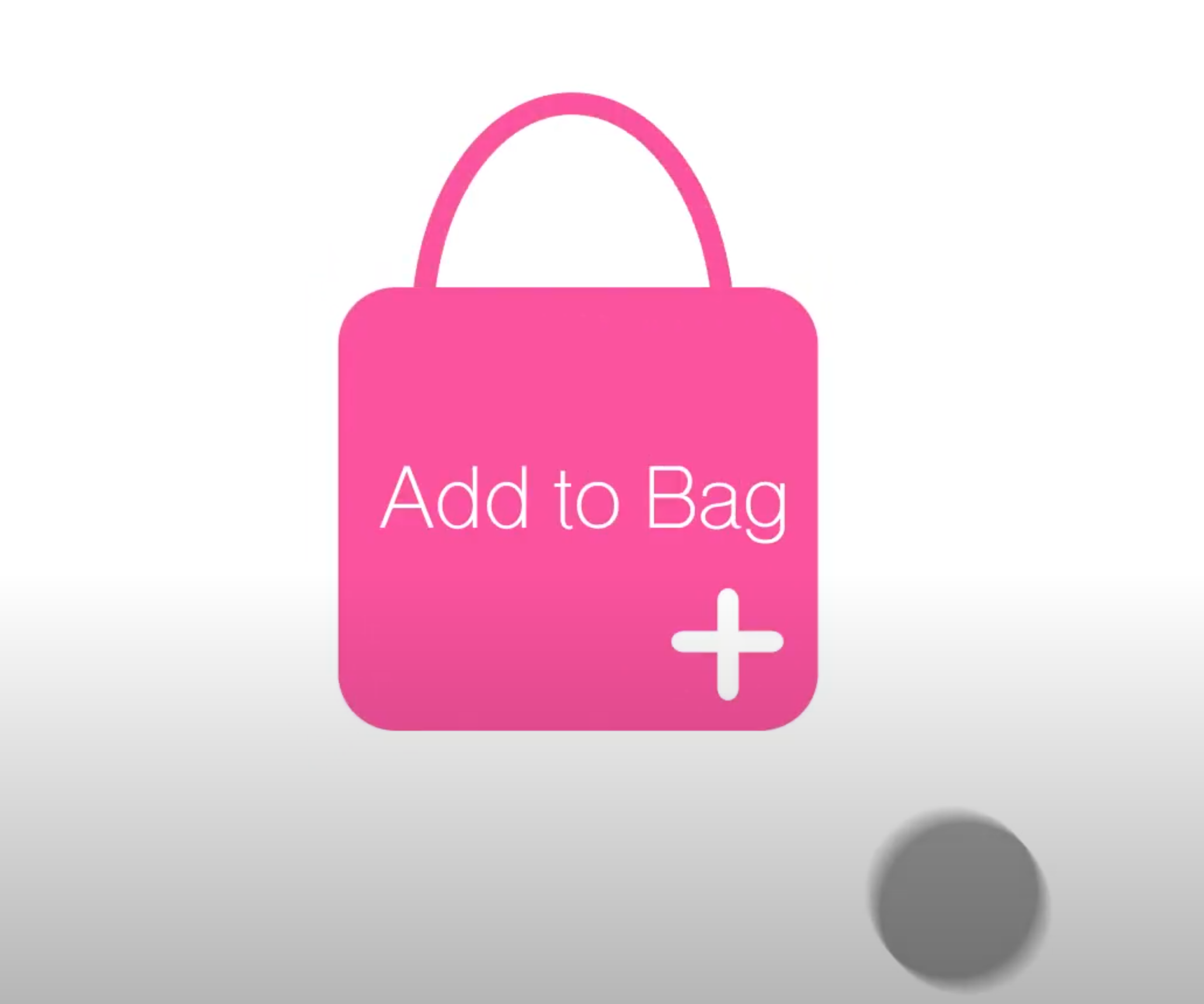
For my own user interface animation, I decided to design an "add to bag" icon that allows online shoppers to immediately add items to their cart and get a clear notification when it's complete. Often times, websites allow users to add an item to their "bags," but it's not always clear once it's added, causing users to accidentally purchase more products they don't need. By using bright colors, large icons and sound effects, it can help guide users through their shopping experience.
To create my animation, I used After Effects. I used a variety of tools including shape morphing, motion blur and keyframes. Here is the video!